 Another Dock
A Second Dock. Elegant, Efficient, Intuitive.
Pin any file, folder, app or link — and keep it always accessible in Another Dock.

Compare the Mac App Store and direct-download versions.
Loading latest version...
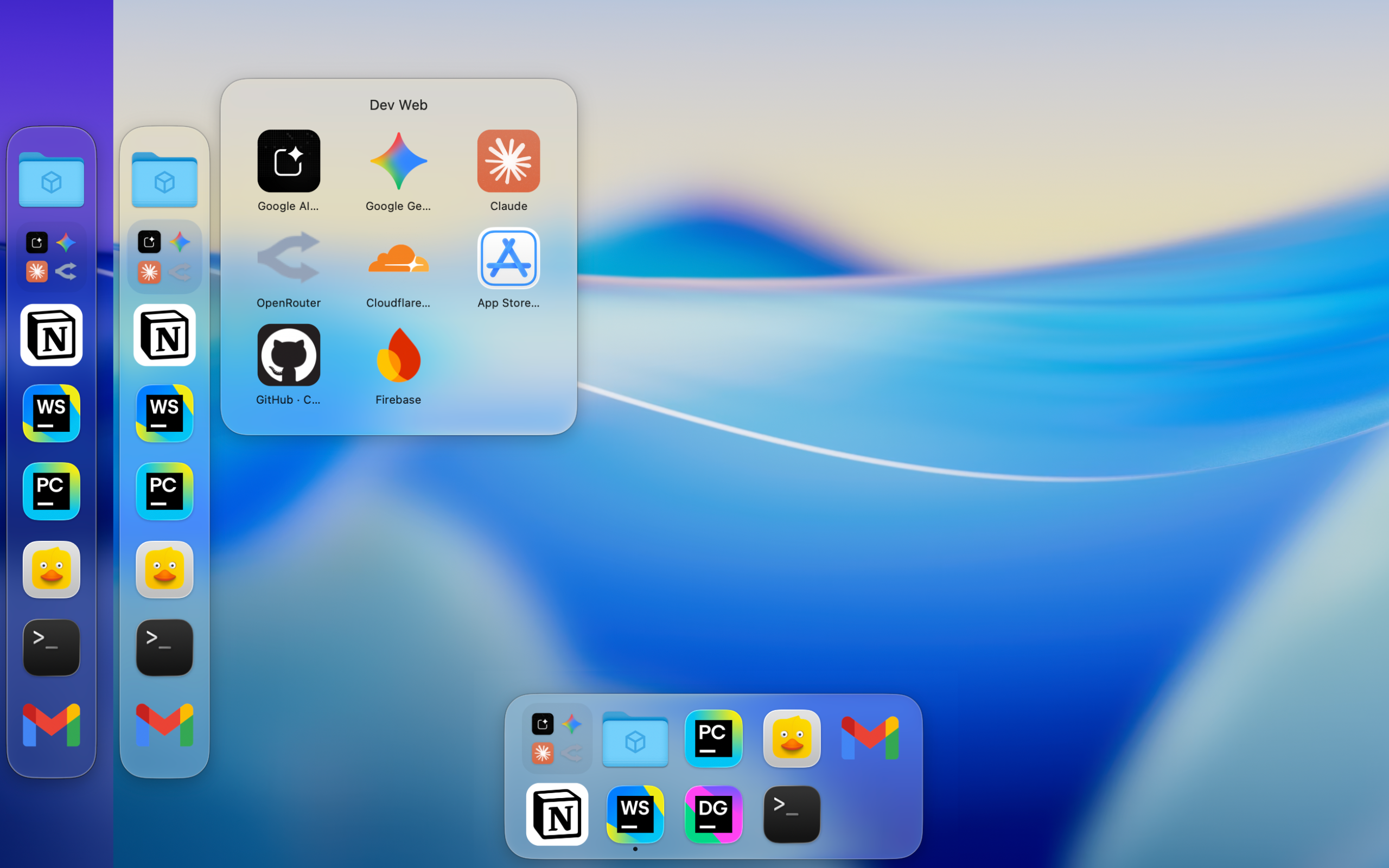
Watch Another Dock in Action
See how Another Dock fits into a faster everyday Mac workflow.
Features
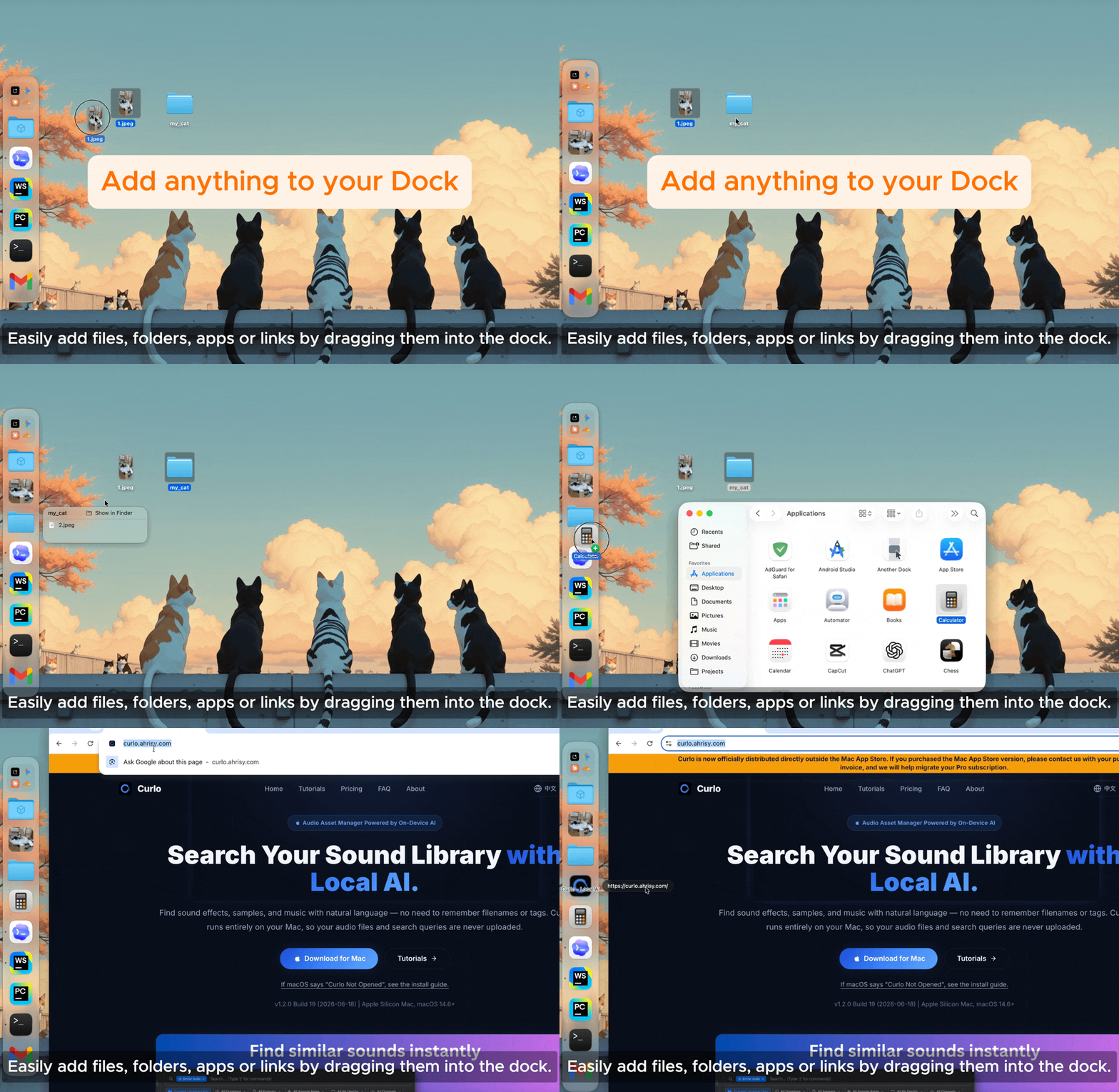
Add Anything to Your Dock
Drag apps, files, folders, and links into Another Dock to keep them ready whenever you need them.
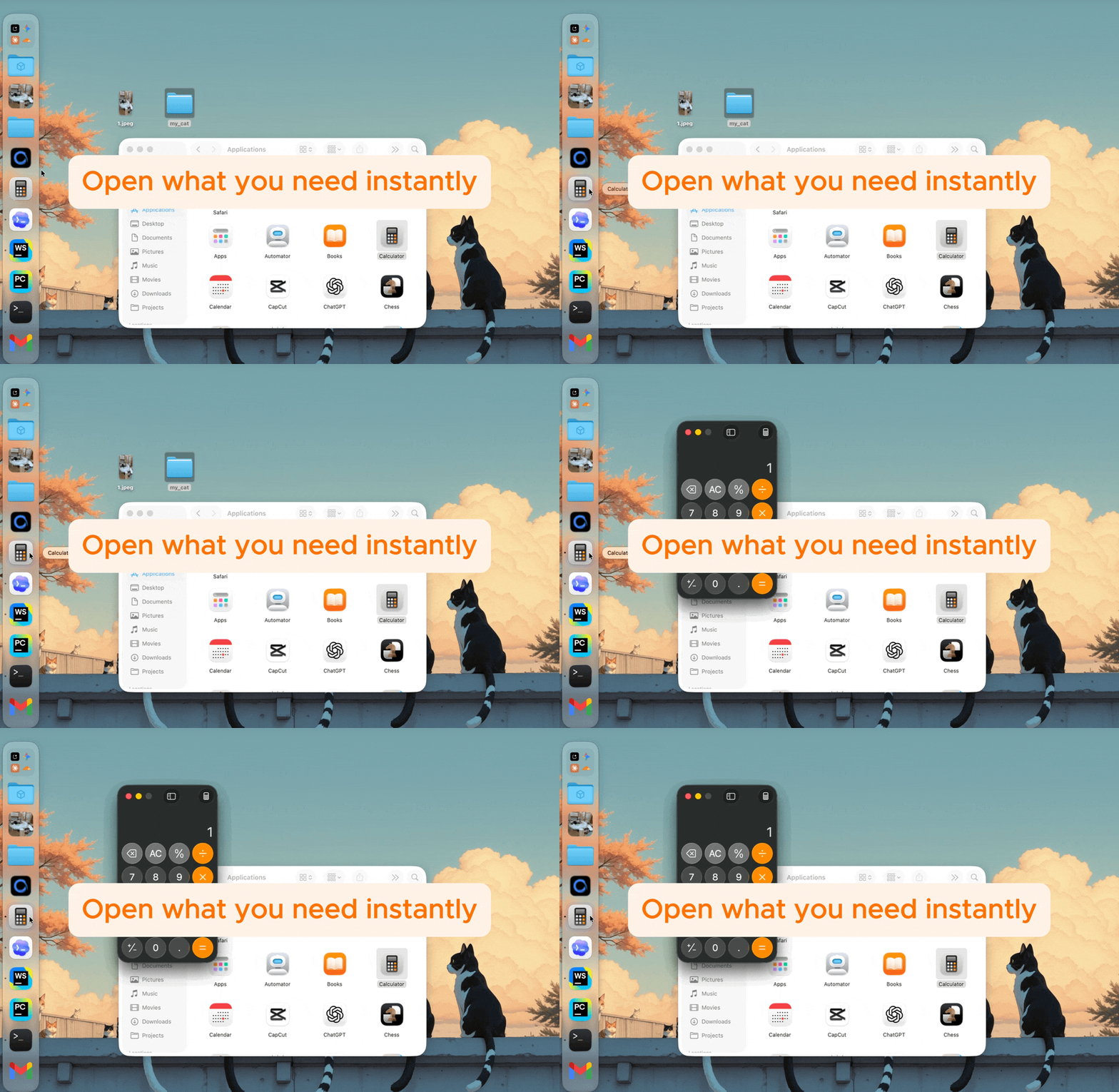
Open What You Need Instantly
Click any item to launch an app, open a file, browse a folder, or visit a link.
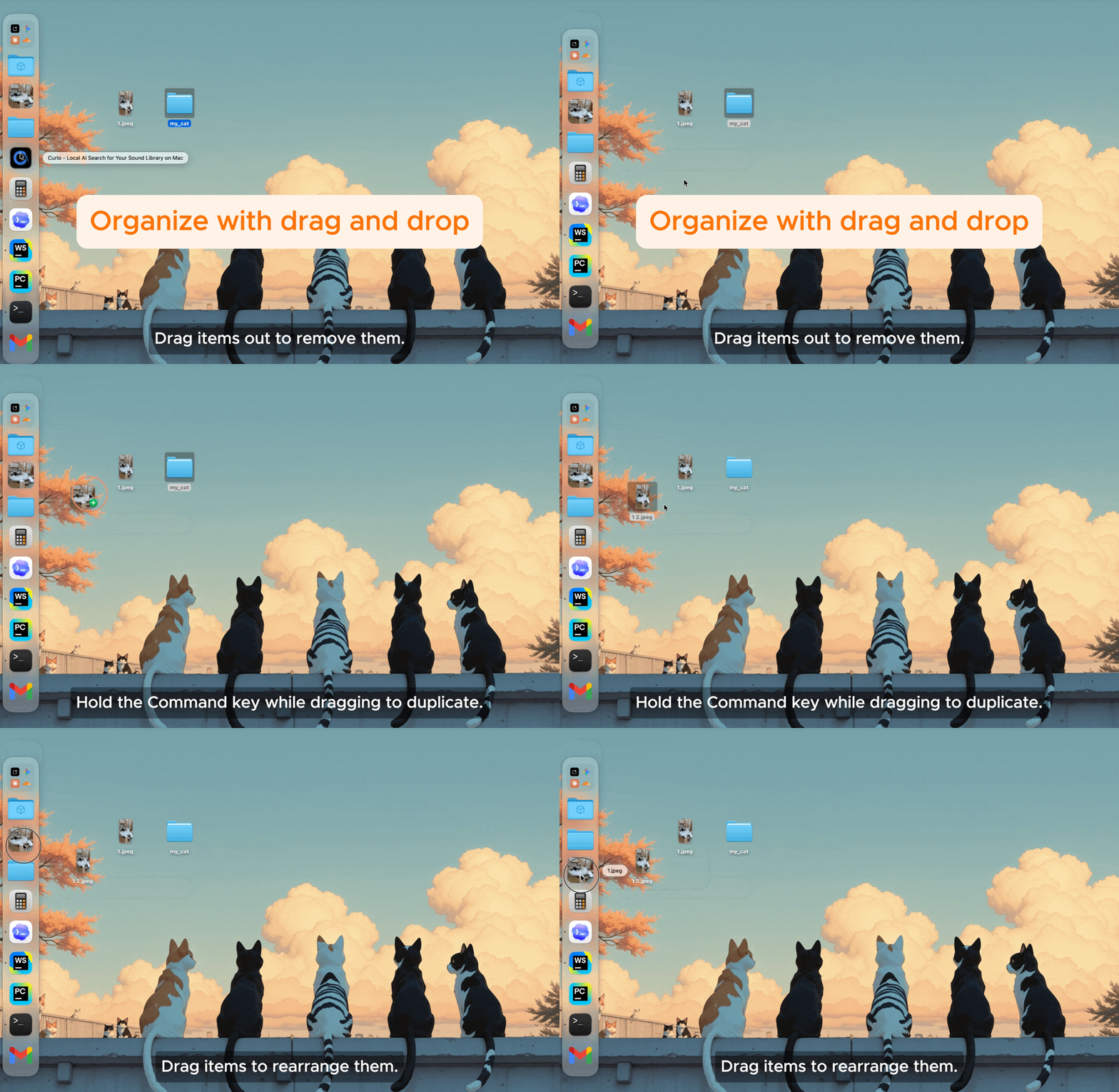
Organize with Drag and Drop
Reorder items, remove them, or hold Command while dragging to quickly duplicate an item.
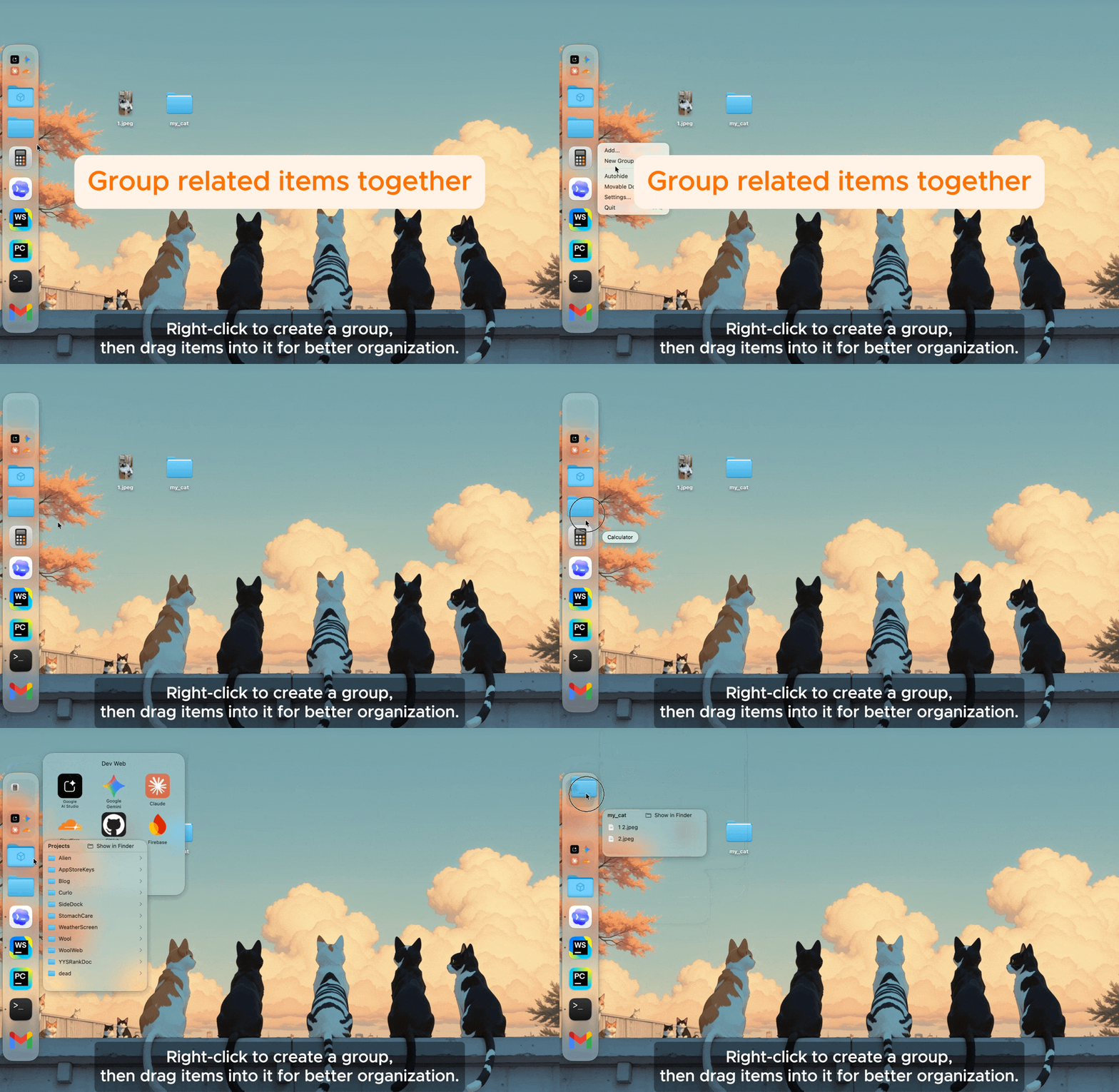
Group Related Items Together
Create groups from the context menu, then drag items into them to keep larger docks organized.
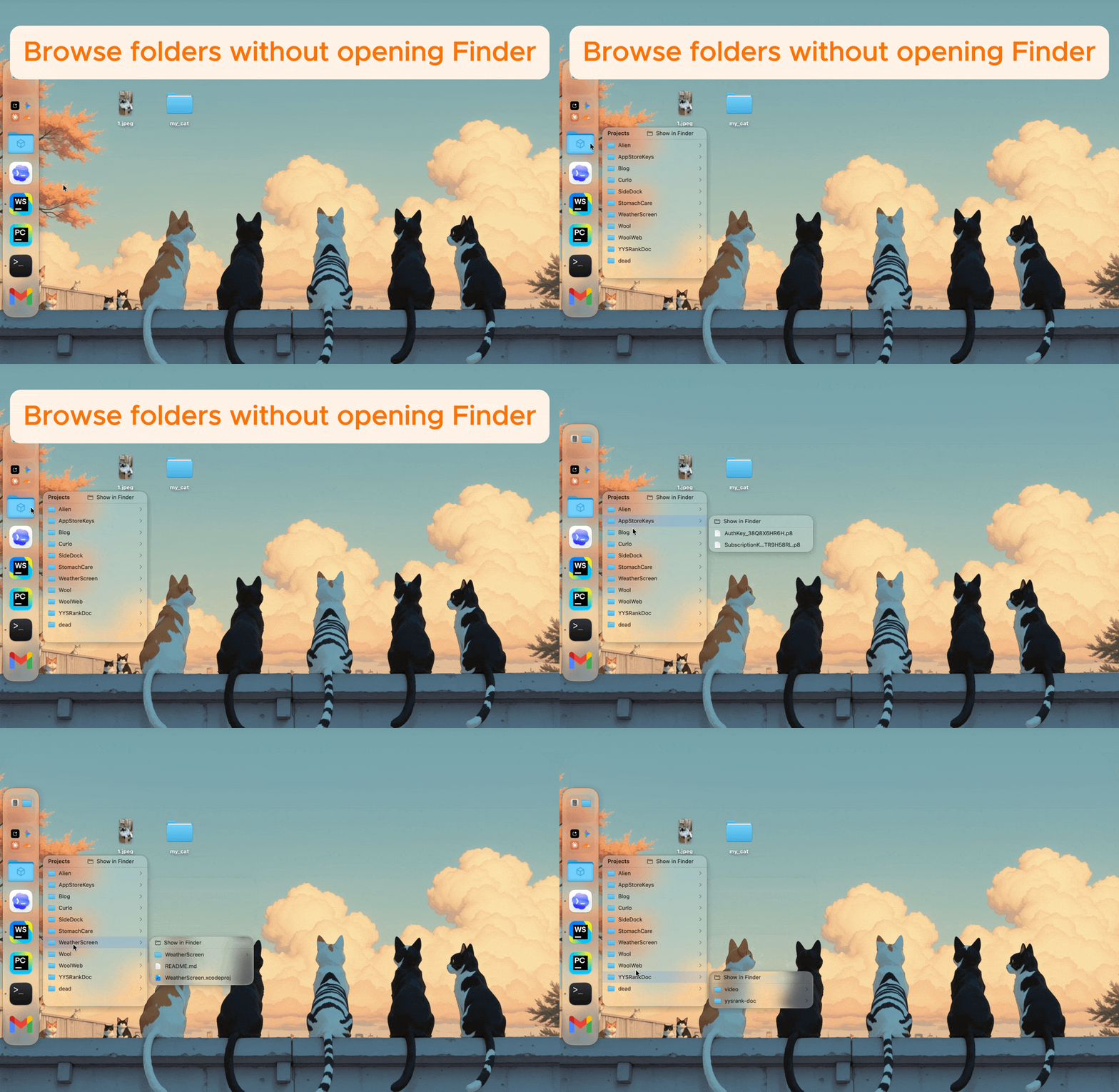
Browse Folders with Menus
Move to a folder item to open a menu and access its contents without switching to Finder.
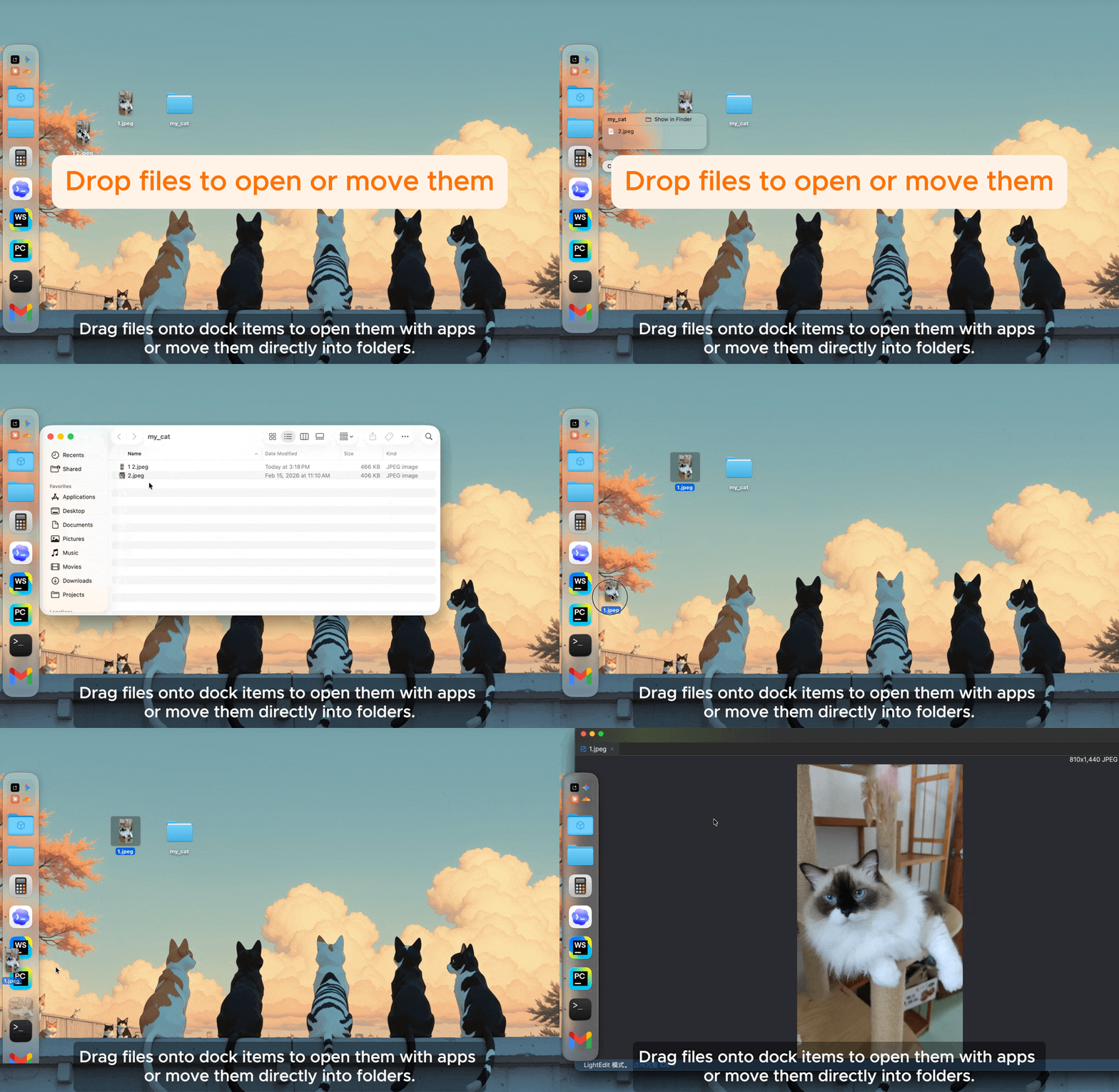
Drop Files to Open or Move Them
Drag files onto app items to open them, or onto folder items to move them directly there.
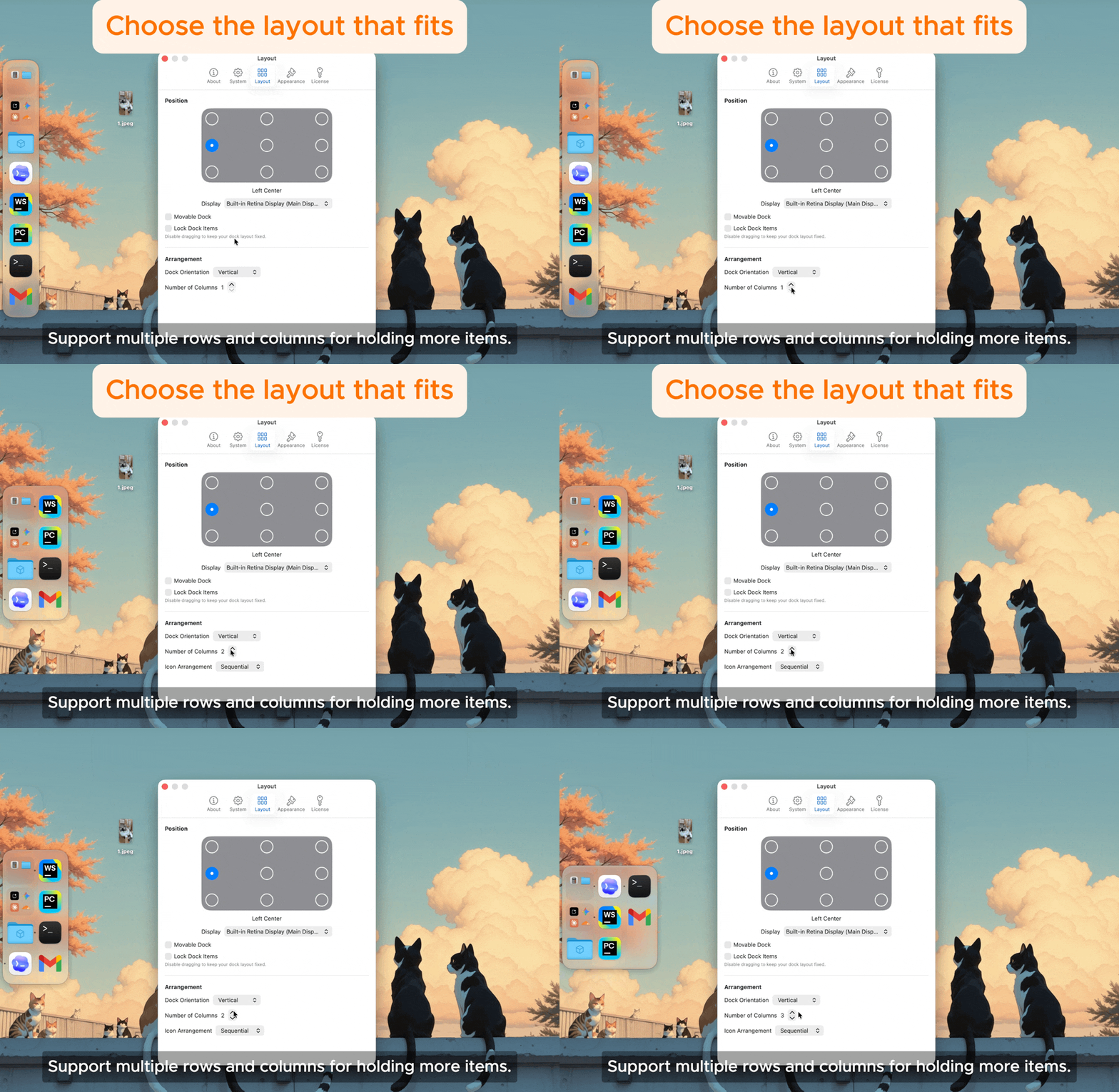
Multi-Row & Multi-Column Layouts
Use multiple rows or columns to fit more items while keeping your dock compact and easy to scan.
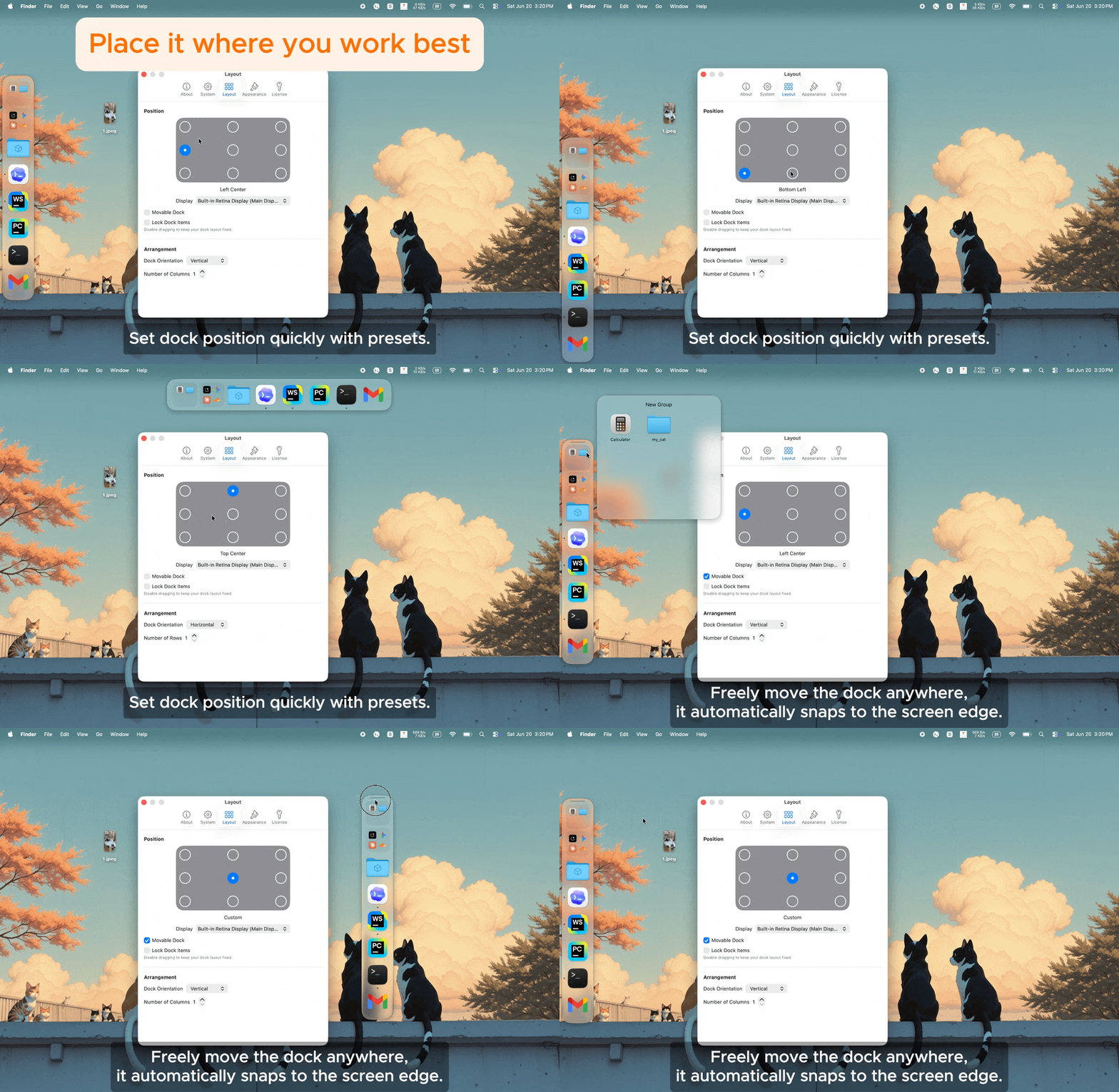
Position Your Dock Anywhere
Set the dock position in Settings, move it freely, and snap it to the screen edge that fits your workflow.
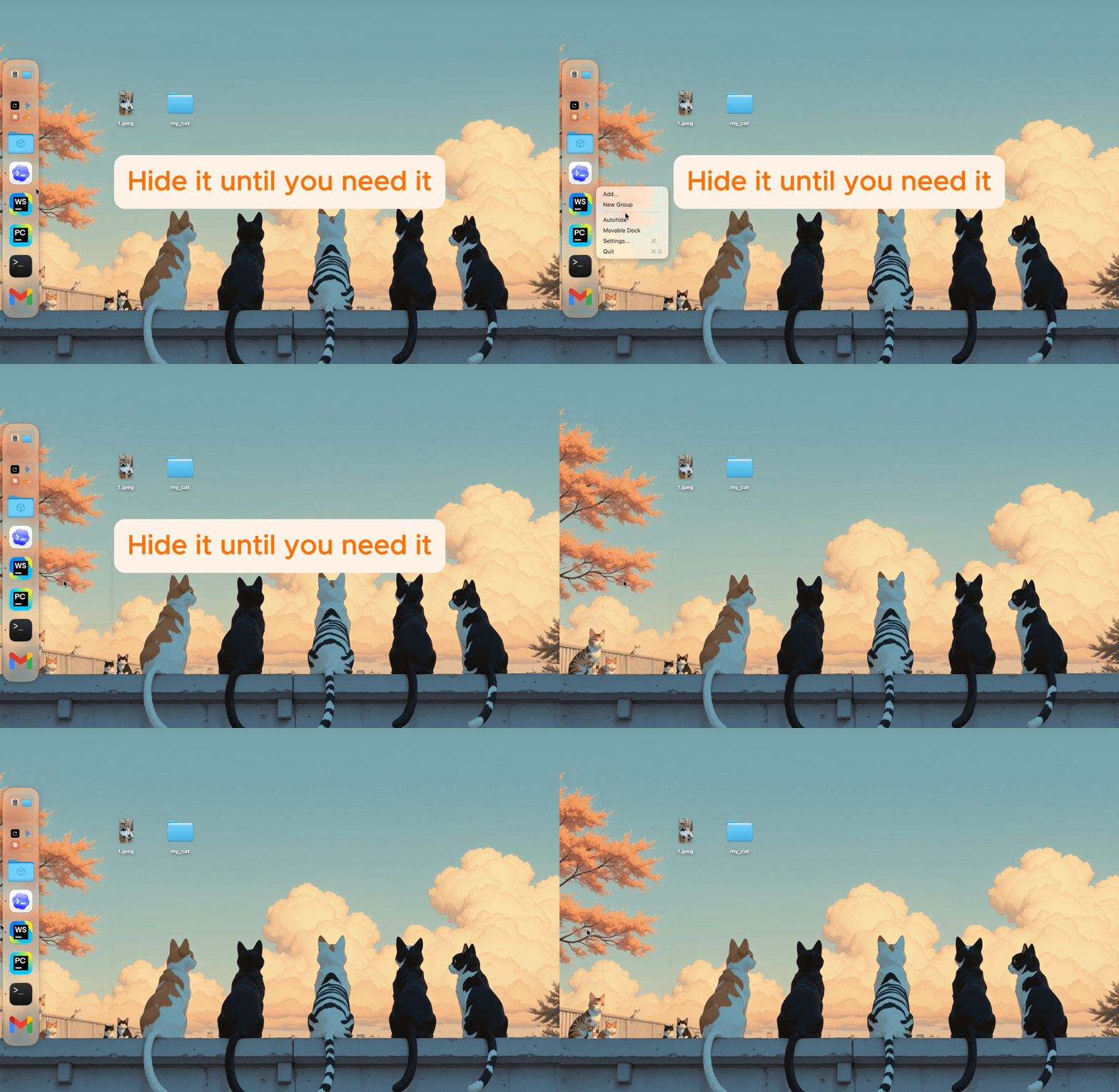
Hide It Until You Need It
Enable auto-hide so Another Dock stays out of the way and appears when you move to its edge.
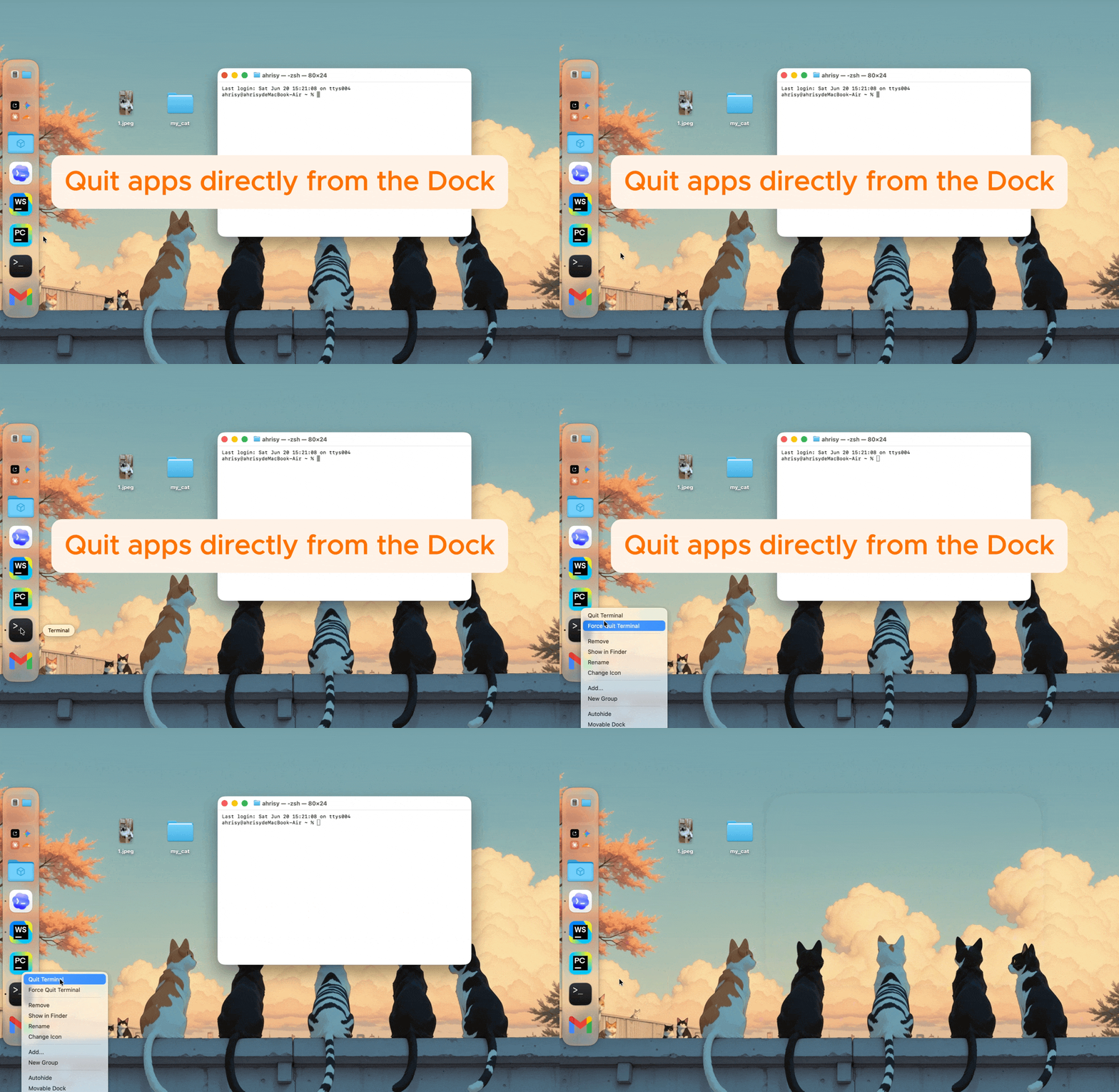
Quit Apps from the Dock
Right-click running app items to Quit or Force Quit them directly from Another Dock.
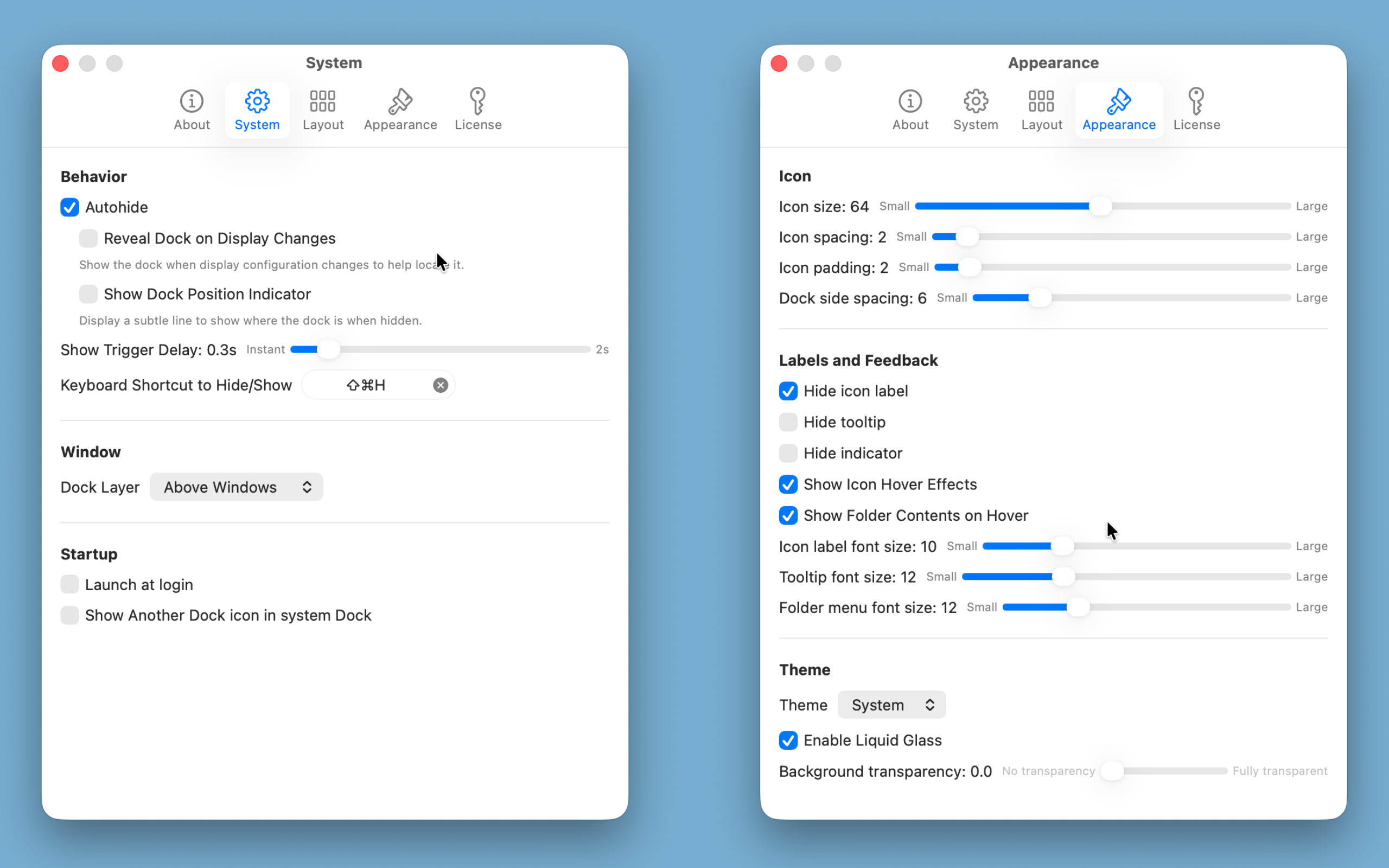
Customize Items and Appearance
Rename items, change icons, and adjust the dock appearance and behavior to match the way you work.
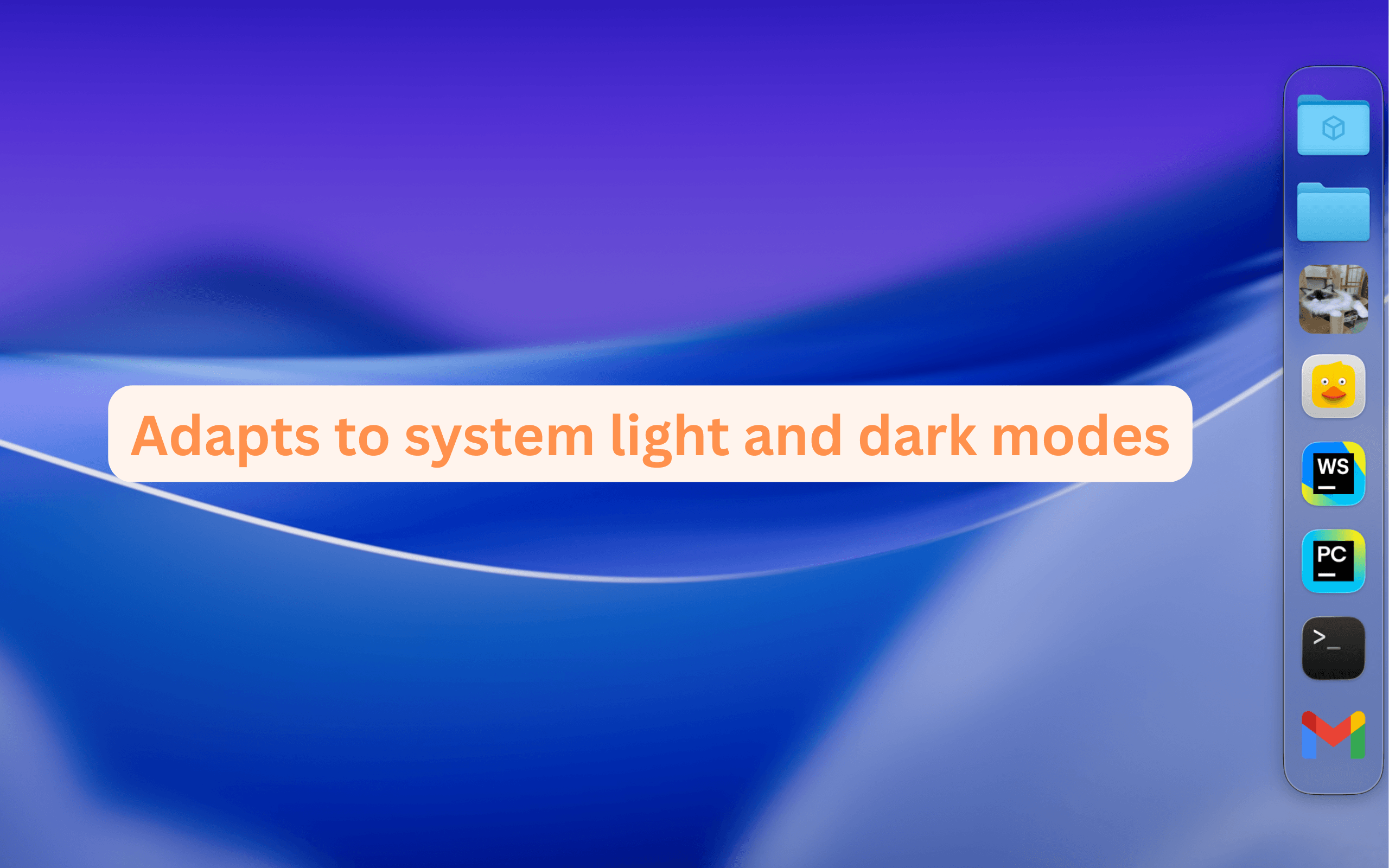
Light & Dark Mode Aware
Another Dock adapts automatically to your system appearance, so it feels at home in both light and dark mode.
Pricing
Use Another Dock for free, or unlock Pro with a one-time license.
Free
Start using Another Dock with the core experience included.
- —Add up to 5 items
- —Create Groups not supported
- ✓All other features included
Pro
One-time license purchase. Unlock the full Another Dock experience.
- ✓Unlimited items
- ✓Create and organize Groups
- ✓Unlock on up to 3 devices per license